
KINETIC LAB-Link Quick Start ② Body Scan and Sending Data
How to measure your body with the dedicated sensor. You measure 5 points on each side — 10 in total — and the spots are strictly defined, so the video shows the exact location of the 5 measurement points and the preparation you must do before measuring. It ends with how to send your data to AI coaching.
 4:16
Previous video
4:16
Previous video
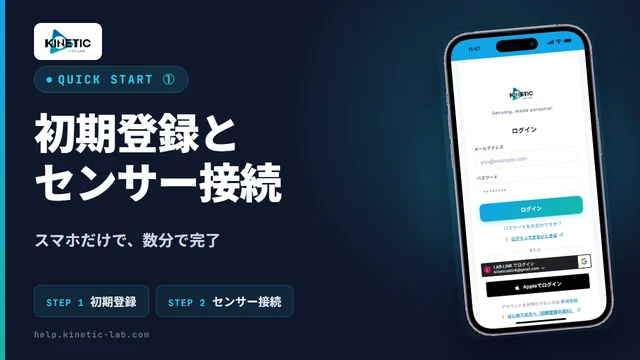
① Registration and Sensor Connection
Not set up yet? From signing in to AI coaching to connecting the dedicated sensor.
Go to the video pageFull text
Transcript
The text of the video’s English subtitles. The narration is in Japanese.
Now let's move on to the body scan. There are 10 measurement points in total. The exact spots to place the sensor are strictly defined. Five points on each side, 10 in total. Measure from the top of the body downward, left and right as a pair, in order. The red dots are the measurement points.
Before measuring, always prepare the skin. Sweat on the skin prevents accurate measurement. Wipe it off completely with a dry towel. The same applies to sunscreen, antiperspirant, and body cream. If you have any on, wipe it off or wash it away. Keeping alcohol wipes on hand greatly reduces measurement errors.
For a prosthetic limb or a cast, press Reset on the sensor screen and select Zero Set. This is the proper method for detecting your whole-body balance. The results are reliable, so please rest assured.
When measuring, make sure this metal part touches the skin with no gap. Hold the sensor with the hand opposite to the side you are measuring. When measuring the other side, switch hands.
If measurement doesn't work well, dry skin or dry air may be the cause. In that case, apply pressure at the point where the sensor touches the skin. Be careful to apply the same pressure at every corresponding point.
The neck point. This is the collarbone. This muscle is the sternocleidomastoid. It's here, in the hollow just behind it.
The underarm point. It's around here, on the line connecting the left and right nipples.
The wrist point. It's the hollow between the two tendons that appear when you spread and raise your little finger.
The knee point. Just below the kneecap, on the firm ligament.
The ankle point. It's the point between the inner ankle bone and the Achilles tendon.
When you finish measuring, send the data. A QR code appears on the sensor's LCD screen. In the browser where you're logged in to AI Coaching, select QR Scan and scan it. Scan the QR code on the sensor screen, not the one on the printed guide. Once scanned, the data is sent.
If something doesn't work, solutions are compiled on the help site. For care instructions and safety precautions, see the user manual. That's all. Thank you!